String Functions
String manipulation, validation, filtering, and sorting utilities
The UUDCoreStringFunctionLibrary provides utilities for string validation, filtering, and manipulation.
Validation Functions
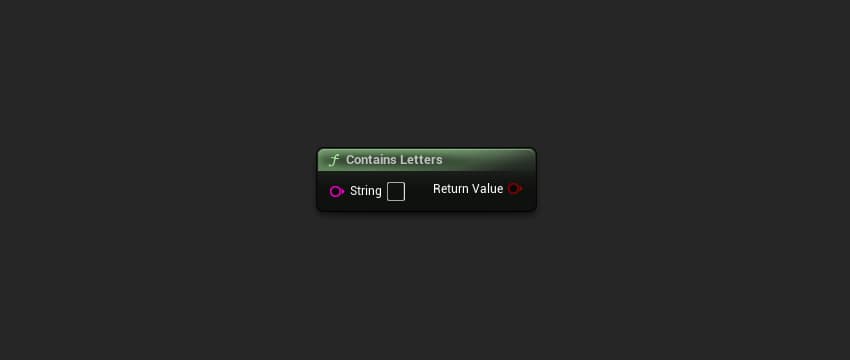
ContainsLetters
Checks if a string contains any alphabetic characters (a-z, A-Z).
FString StringToCheck = TEXT("Example123");
bool bHasLetters = UUDCoreStringFunctionLibrary::ContainsLetters(StringToCheck);
// Result: true
Parameters
| Name | Type | Description |
|---|---|---|
String | FString | The string to check |
Returns
| Name | Type | Description |
|---|---|---|
ReturnValue | bool | true if the string contains any letters |
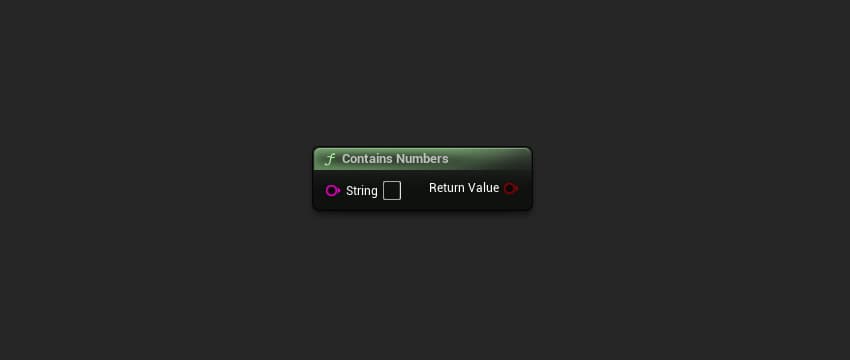
ContainsNumbers
Checks if a string contains any numeric characters (0-9).
FString StringToCheck = TEXT("Example123");
bool bHasNumbers = UUDCoreStringFunctionLibrary::ContainsNumbers(StringToCheck);
// Result: true
Parameters
| Name | Type | Description |
|---|---|---|
String | FString | The string to check |
Returns
| Name | Type | Description |
|---|---|---|
ReturnValue | bool | true if the string contains any numbers |
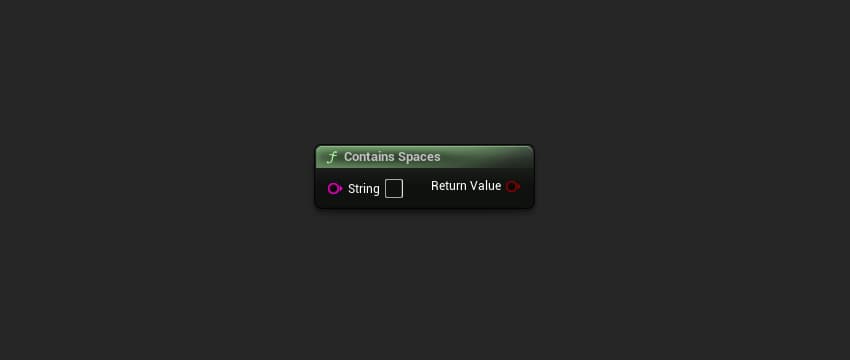
ContainsSpaces
Checks if a string contains any whitespace characters.
FString StringToCheck = TEXT("Hello World");
bool bHasSpaces = UUDCoreStringFunctionLibrary::ContainsSpaces(StringToCheck);
// Result: true
Parameters
| Name | Type | Description |
|---|---|---|
String | FString | The string to check |
Returns
| Name | Type | Description |
|---|---|---|
ReturnValue | bool | true if the string contains any spaces |
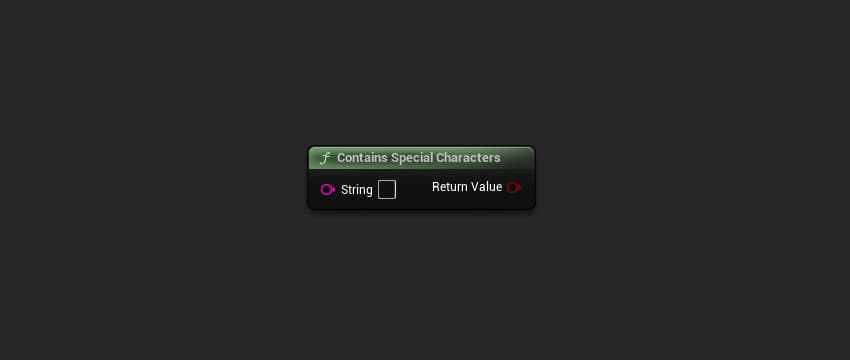
ContainsSpecialCharacters
Checks if a string contains any special characters (non-alphanumeric, non-space).
FString StringToCheck = TEXT("Hello@World!");
bool bHasSpecial = UUDCoreStringFunctionLibrary::ContainsSpecialCharacters(StringToCheck);
// Result: true
Parameters
| Name | Type | Description |
|---|---|---|
String | FString | The string to check |
Returns
| Name | Type | Description |
|---|---|---|
ReturnValue | bool | true if the string contains any special characters |
Filtering Functions
FilterCharacters
Removes specified character types from a string.
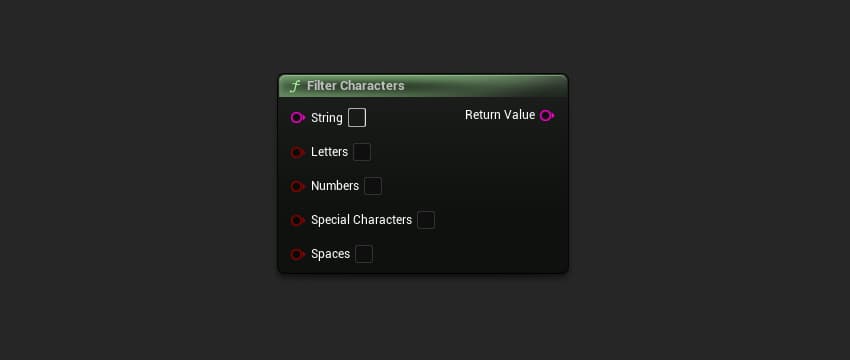
FString Input = TEXT("Example 123 !@#");
FString Filtered = UUDCoreStringFunctionLibrary::FilterCharacters(
    Input,
    false,  // bFilterLetters
    false,  // bFilterNumbers
    true,   // bFilterSpecialCharacters
    true    // bFilterSpaces
);
// Result: "Example123"
Parameters
| Name | Type | Description |
|---|---|---|
String | FString | The string to filter |
bLetters | bool | If true, remove all letters |
bNumbers | bool | If true, remove all numbers |
bSpecialCharacters | bool | If true, remove all special characters |
bSpaces | bool | If true, remove all spaces |
Returns
| Name | Type | Description |
|---|---|---|
ReturnValue | FString | The filtered string |
This function is useful for sanitizing user input or extracting specific character types from a string.
Sorting Functions
GetSortedStringArray
Returns a sorted copy of a string array.
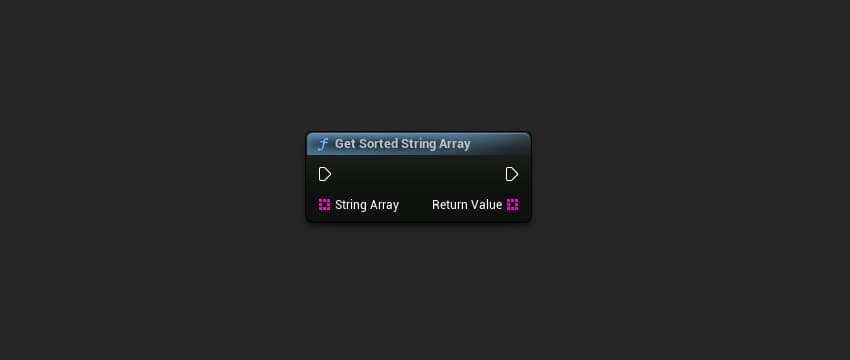
TArray<FString> Original = { TEXT("Zebra"), TEXT("Apple"), TEXT("Mango") };
TArray<FString> Sorted = UUDCoreStringFunctionLibrary::GetSortedStringArray(Original);
// Result: { "Apple", "Mango", "Zebra" }
Parameters
| Name | Type | Description |
|---|---|---|
StringArray | TArray<FString> | The array to sort |
Returns
| Name | Type | Description |
|---|---|---|
SortedArray | TArray<FString> | A new sorted copy of the array |
This function returns a new array and does not modify the original. The sort is alphabetical and case-sensitive.
Summary
| Function | Description |
|---|---|
ContainsLetters | Check if string has alphabetic characters |
ContainsNumbers | Check if string has numeric characters |
ContainsSpaces | Check if string has whitespace |
ContainsSpecialCharacters | Check if string has special characters |
FilterCharacters | Remove specified character types |
GetSortedStringArray | Get a sorted copy of a string array |